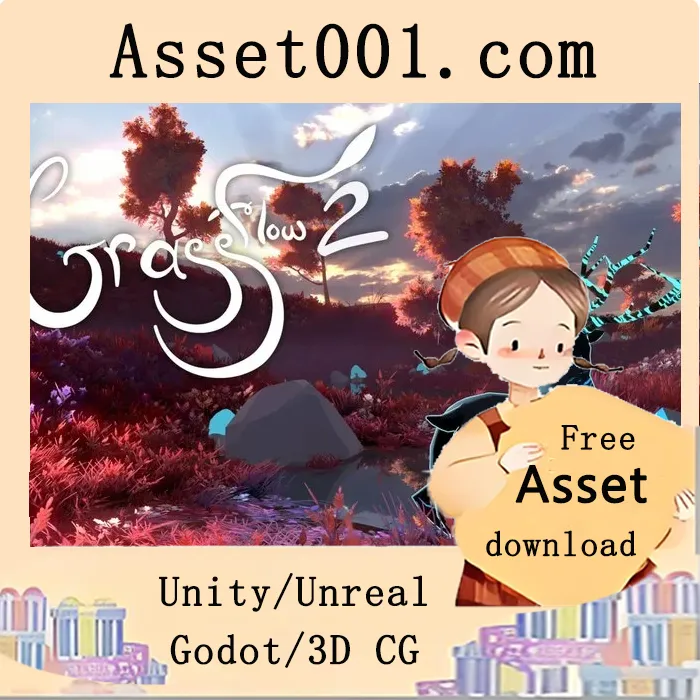
GrassFlow 2 v2.84 (29 Apr 2026) introduces a complete vegetation system centered around a highly interactive, customizable, and optimized shader. It automatically handles grass placement and rendering, controlled by familiar painting tools. Simply add a renderer and set your mesh or terrain—everything else is managed for you. No additional plugins or scripts are required. Whether realistic or stylized, GrassFlow delivers 100% more visual appeal than competitors.
Key features include:
- Automatic grass placement and GPU instancing/batching, eliminating the need for individual game objects and reducing rendering bottlenecks.
- Simple yet powerful editing tools that allow artists to paint colors and adjust grass parameters directly in the editor, with full undo/redo support—similar to Unity's terrain tools.
- Easy integration of player interactivity through built-in components for pushing or flattening grass, with real-time effects.
- Support for custom 3D meshes to draw grass.
- Efficient lighting using normal maps and specular highlights.
- Support for grass texture atlases, with the ability to paint texture density for precise layout control.
- Precise attachment to meshes or Unity terrain, with support for terrain layers and splat maps.
- Automatic mesh density normalization to prevent remeshing.
- Compatibility with URP and HDRP, as well as deferred rendering.
- Support for casting and receiving shadows, including semi-transparent textures.
- Baked 3D noise enables efficient, dynamic wind effects.
- Dynamic LOD system that reduces grass density at a distance, fills gaps smoothly, and transitions between LOD levels seamlessly.
- Asynchronous multithreading in critical areas to improve loading and rendering performance.
- Support for multiple Unity lights.
- VR compatibility, including single-pass instanced rendering.
- Versatile usage: can function as an advanced billboard renderer or be customized for any specific need.
- Custom inspectors with descriptive tooltips for easy and intuitive parameter adjustment.
- Example scenes demonstrating setup and integration, including the models featured in the demo video. Source code is available for those who wish to explore or modify it.