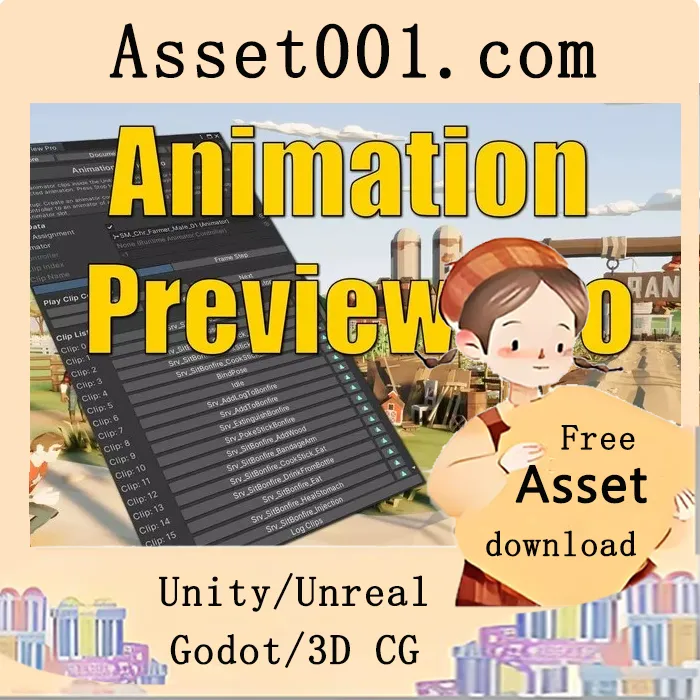
Animation Preview Pro v1.10.0 for Unity enables developers to visualize how a character appears in different poses directly within the Unity Editor, without needing to enter play mode. It provides an overview of all available animations for a character or allows mixing animations from one asset with a model from another.
The tool was initially developed to give a comprehensive preview of large animation libraries—such as those from Malbers Animations, which include over 100 animations—making it impractical to demonstrate all in a single demo scene. Over time, the tool evolved to support more efficient workflows. For instance, users can adjust a model’s transform (position, rotation, scale) in the scene and play a specific animation clip instantly, reducing repetitive testing cycles.
Further enhancements were driven by the need to preview hybrid character animations—such as a humanoid dragon with fighting animations in a desert environment—without extensive manual setup. The Pro version introduces key features not available in the original Animation Preview: Frame Step (frame-by-frame navigation), an Editor Window interface (dialog-based interaction instead of monobehaviour), and Auto Assignment (which automatically uses the currently selected animator to save clicks and improve usability).
Core features include:
- Playing animations in the Unity Editor scene without entering play mode
- Frame-stepping through animations
- Displaying a list of animations from a controller
- Navigating through animations to visualize them
- Quickly opening an animation clip in the project hierarchy
- Logging available clips in the console
Note: Animation Preview Pro works only with models and their accompanying animations or animations from other assets. It does not support playback of animations containing blends or complex logic.
The included showcase videos and screenshots demonstrate real-world previews in scenes. The Synty asset library is particularly highlighted for its action-driven, impactful visuals, and the tool was designed to streamline the creation of such cinematic screenshots.



