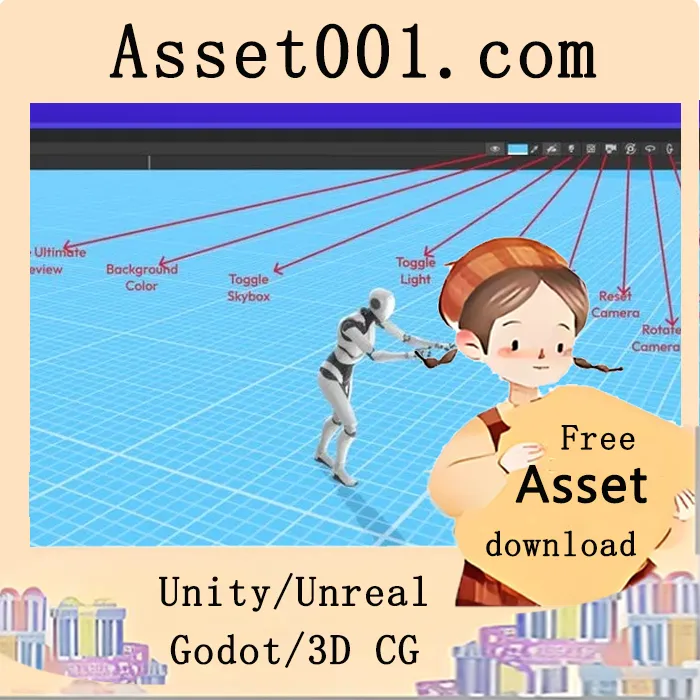
Ultimate Preview – Pro Edition v1.4.0 is a powerful Unity Editor extension that upgrades and enhances Unity’s default asset preview window. It improves workflow and productivity by allowing users to inspect UI elements, particle systems, VFX, sprites, 3D models, and animations with better clarity, lighting, and intuitive controls.
The extension adds preview support for asset types Unity doesn’t handle by default, including UI elements, Particle Systems, Animations, fonts, VFX, and more, directly within the preview window. It improves visibility with customizable lighting and skybox options, eliminates the need to manually play animations upon selection, and preserves camera position and angle when switching animation clips. Sprites and UI elements automatically face the camera, and the distracting grid overlay in 2D sprite previews is removed. Users can customize zoom, angle, field of view, background color, floor visibility, and more for precise and clear previews.
Key features include additional asset support such as previewing UI canvases and components, Particle Systems with playback controls, VFX Graphs with improved clarity, inspecting scene GameObjects rather than just prefabs, comparing multiple assets simultaneously, and removing the Play mode color tint from the preview window.
Animation preview is enhanced with automatic playback of selected AnimationClips, quick clip switching via Next and Previous buttons, camera reset or alignment to axes, grid hiding for 2D sprite animations, and improved lighting for clearer motion and model visibility. Floor settings can be customized in terms of texture, color, tiling, opacity, or completely hidden.
The visual environment supports custom lights with adjustable intensity, color, and rotation, ambient lighting fine-tuning, and user-defined skyboxes (URP/Built-in only). Editor-friendly controls include auto-activation on asset selection, scrolling to zoom, middle mouse pan, toolbar access to lighting, skybox, background, playback, and camera rotation, and keyboard shortcuts for efficiency.
The tool is fully customizable, allowing users to set camera defaults, lighting, floor settings, and choose which toolbar buttons appear based on their workflow.
Newly added features in v1.4.0 include auto camera orbit, font preview, TextMesh Pro font asset preview, UIDocument preview, renderer stats overlay, UI layout properties overlay, play mode optimization, improved performance, enhanced particle previews, reduced package size, and out-of-the-box HDRP support.
The extension is compatible with Odin Inspector, Ultimate Editor Enhancer (with additional setup), vInspector 2 (with additional setup), and Wingman Inspector.
Supported Unity versions: Unity 2022, 2023, and 6 are fully supported. Unity 2021 requires version 2021.2.0f1 or newer. Unity 2020 requires version 2020.3.20f1 or newer.



