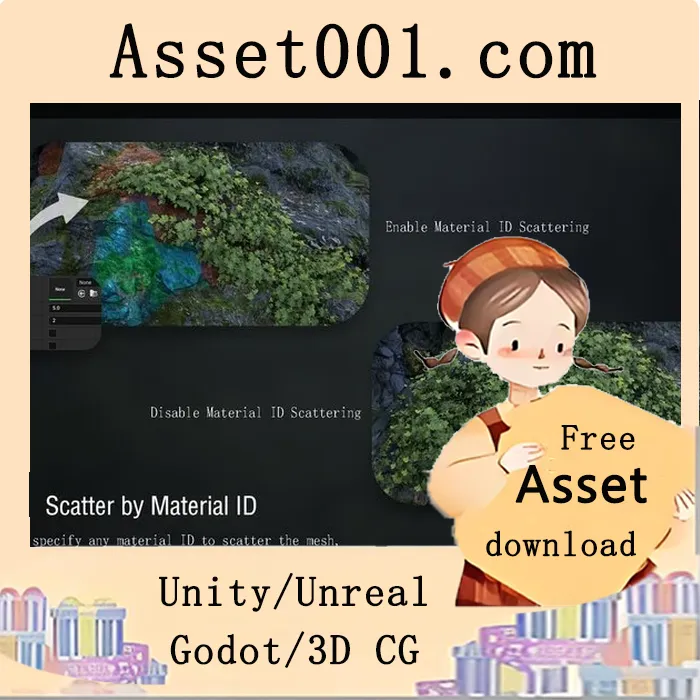
Natural_PCGTools 5.5+ is a convenient tool based on UE5's built-in PCG and Blueprints, allowing you to easily build various environments. With each version update, more PCG blueprints will be added or optimized.
The resource pack includes only a few models and textures, all created by the developer. Assets and textures from Megascans are not included. Models and textures featured in the showcase are not part of the asset pack. Similar textures can be found on the following websites: https://quixel.com/megascans, https://polyhaven.com/textures, and https://noisecreater.com.
Available functions include:
- MeshProjection
- SnowProjection
- ScatterObject
- Scatter objects along a spline
- Scatter objects within a spline
- Scattering Objects on a Mesh
- Spline used to exclude scatter range
Before using the tool, ensure the following plugins are enabled in Edit → Plugins:
- Geometry Script
- PCG
- PCGExternalDataInterop
- PCGGeometryScriptInterop
To use the tool:
1. Enable the required plugins and restart the engine.
2. Open the PCG documentation level and review the relevant blueprint information and examples.
3. Locate the desired blueprint and drag it into the scene.
4. Adjust parameters as needed (varies by blueprint).
5. Bake the mesh (if available).
Original link: https://www.fab.com/listings/ac511105-46c1-4e53-85e1-e1c314df45aa
2025-10-17 00:00:00-update version:Natural_PCGTools 5.5+