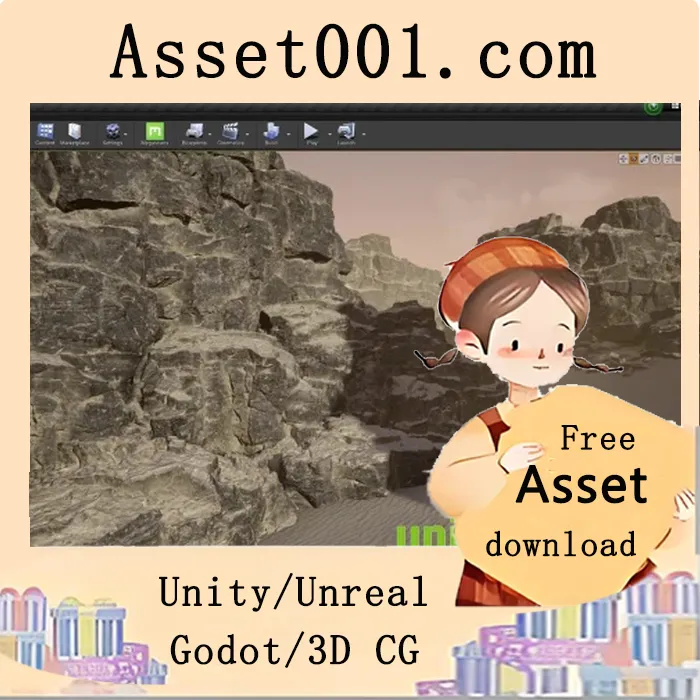
Create a game-ready Rock and Cliff Shader in Unreal Engine using Tileable Textures and Masks.
What you'll learn:
- Setting up base materials in Unreal Engine with Object Scaling
- Use tileable textures for large scale assets
- Blending between multiple materials using masks
- Practical use of Material Functions inside of Unreal
- Creating and packing masks in Substance Painter
- Setting up a flexible and user-friendly shader
Requirements:
This tutorial can be used at any skill level, but assumes a basic understanding of 3D content creation and how to navigate software. The techniques discussed in this tutorial are used in many studios throughout the games industry and can be useful at any skill level.
Description:
Learn how to create a game-ready shader for use with rock meshes inside of Unreal Engine. With a full breakdown and follow-along style tutorial, create your own shader to use in games and personal projects. Follow along in real-time with full explanations to help understand how the shader is being put together. This tutorial is created using Unreal 4.27, but all information is still applicable for use in Unreal Engine 5.
Skill Level:
This tutorial can be used at any skill level, but assumes a basic understanding of 3D content creation and how to navigate software. The techniques discussed in this tutorial are used in many studios throughout the games industry and can be useful at any skill level.
This tutorial covers:
- Setting up base materials in Unreal Engine
- Object scaling
- How to use tileable textures for large assets
- Blending between multiple materials using masks
- Setting up a flexible and user-friendly shader
- Practical use of Material Functions inside of Unreal
- Creating and packing masks in Substance Painter
2026-02-27 00:00:00-update version:Udemy - Unreal Engine: Cliff and Rock Shader with Tileable Textures